

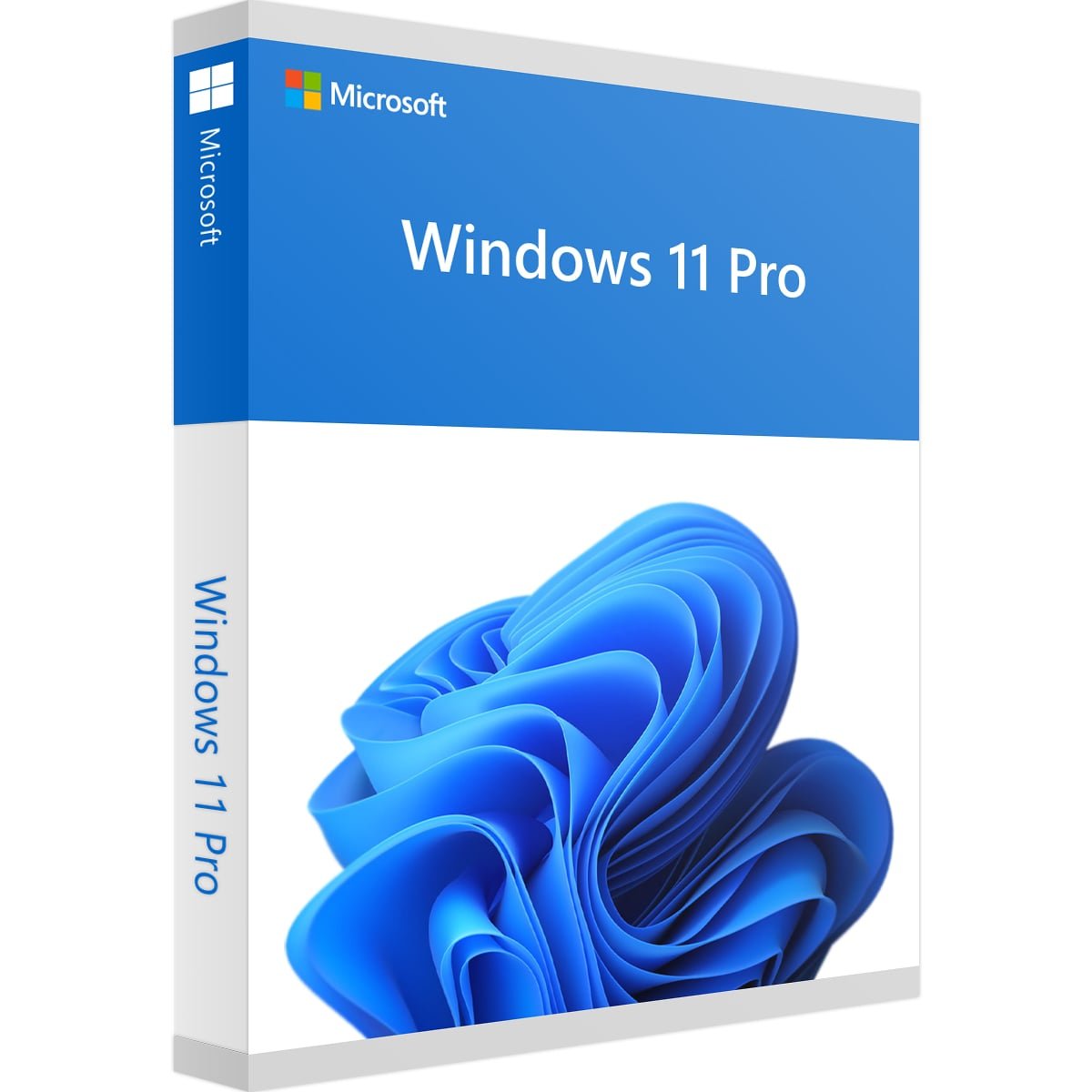
Windows 11 Pro Phone Activation
Windows 11 Pro Phone Activation is designed for users who need Windows 11 Professional and want clear guidance for completing activation. Windows 11 Pro provides a professional Windows environment with features designed for business users, advanced security, device management, productivity, and everyday computing.
This product listing is for Microsoft Windows 11 Professional Digital License – Retail Phone Activation. Before purchasing or activating Windows, it is important to verify your edition, system compatibility, and activation requirements. Microsoft provides official guidance for checking Windows activation status, product keys, digital licenses, and hardware requirements.
Why Choose Windows 11 Professional?
Windows 11 Professional is built for users who need more than the standard Windows Home experience. It includes features intended for professional environments, remote work, security, productivity, and device management.
Depending on your setup, Windows 11 Professional can be suitable for home offices, freelancers, students, small businesses, IT users, and professionals who need a more advanced Windows environment.
Before using Windows 11 Pro Phone Activation, make sure that your computer is compatible with Windows 11 and that you are installing or activating the correct Windows edition.
Windows 11 Pro Phone Activation Process
The Windows 11 Pro Phone Activation process should always be completed according to the activation method associated with your license and Microsoft’s current activation requirements.
After installing Windows 11 Professional, open Settings → System → Activation to check the activation status of your computer. Windows will display information about the current edition and activation state.
If your product requires phone-based activation, follow the instructions provided with the product and the activation information available from Microsoft. Do not use unofficial activation software, unauthorized scripts, or third-party activation tools.
For official information, see Microsoft’s Windows activation guide.
Windows 11 Pro Compatibility and Requirements
Before purchasing or starting Windows 11 Pro Phone Activation, check whether your computer meets the minimum Windows 11 hardware requirements.
Microsoft lists requirements that include a compatible 64-bit processor with at least 1 GHz and two or more cores, 4 GB of RAM, at least 64 GB of storage, UEFI firmware with Secure Boot capability, TPM 2.0, DirectX 12 compatible graphics, and a high-definition display.
Hardware compatibility can affect whether Windows 11 installs and operates correctly. You can review Microsoft’s official Windows 11 system requirements before installation.
Check Your Windows 11 Edition
One of the most important steps before Windows 11 Pro Phone Activation is confirming that your installed Windows edition matches the license you are trying to activate.
You can check your edition by opening:
- Settings
- System
- About
Look for the Windows edition information. If your computer is running Windows 11 Home while your license is intended for Windows 11 Professional, you may need to upgrade the edition before activation.
Using the correct edition helps avoid activation errors and ensures that your license corresponds to the installed Windows version.
Digital License and Product Key
Windows activation can use different methods depending on how Windows was obtained. Microsoft explains that activation may involve a digital license or a 25-character product key.
A digital license is associated with the device and Microsoft activation system rather than requiring the user to manually enter a product key every time Windows is installed.
If your product includes a product key or activation instructions, keep the information secure. Never publish your activation key publicly or share it with unknown websites.
You can also consult Microsoft’s official Windows product key information for additional guidance.
How to Check Windows Activation Status
After completing Windows 11 Pro Phone Activation, you can verify the activation status directly from Windows Settings.
Go to:
- Settings
- System
- Activation
The Activation section provides information about whether Windows is activated and can help identify problems if activation has not been completed successfully.
If Windows reports an activation problem, review the displayed error message before attempting additional troubleshooting steps.
Windows 11 Pro Phone Activation Troubleshooting
If Windows 11 Pro Phone Activation does not complete successfully, first confirm that you are using the correct Windows edition and that your computer has an active internet connection when required.
Restarting the computer and checking the Activation page can also help identify temporary problems. If Windows displays a specific activation error code, use the error code to find the appropriate Microsoft troubleshooting instructions.
Microsoft provides an official resource for Windows activation errors.
Avoid unofficial activation tools or modified Windows files. These methods can create additional security, stability, and activation problems.
Windows 11 Pro Security and TPM 2.0
Windows 11 includes modern security requirements designed to improve device protection. TPM 2.0 is one of the important hardware requirements for supported Windows 11 systems.
If you are preparing a PC for Windows 11 Pro Phone Activation, you should confirm that TPM 2.0 is available and enabled when required by your system.
Microsoft provides official information about enabling TPM 2.0 on your PC.
Important Information Before Purchase
Before purchasing Windows 11 Pro Phone Activation, carefully check the product name, Windows edition, activation method, and system compatibility.
- Confirm that your computer supports Windows 11.
- Check that you need the Professional edition.
- Review the activation instructions supplied with your purchase.
- Keep your activation information private and secure.
- Use official Microsoft resources when troubleshooting activation.
- Avoid unauthorized activation software or third-party activation scripts.
If you already use another Windows edition, verify your upgrade and activation requirements before making a purchase.
Windows 11 Pro Digital License Support
Our goal is to provide clear product information so customers can understand the requirements associated with Windows 11 Pro Phone Activation before purchasing.
For additional Windows products, you can visit our Windows license category to explore other Microsoft Windows options.
You can also compare this product with other Windows editions available on Nexlic, including Windows 11 Enterprise Digital License and Microsoft Windows 10 Enterprise Digital License.
Frequently Asked Questions
What is Windows 11 Pro Phone Activation?
Windows 11 Pro Phone Activation refers to the phone-based activation method associated with this Windows 11 Professional product listing. The exact activation steps can depend on the license and Microsoft’s current activation process.
Is this product for Windows 11 Professional?
Yes. The product listing is specifically for Microsoft Windows 11 Professional Digital License – Retail Phone Activation. Always verify your installed Windows edition before activation.
How can I check whether Windows is activated?
Open Settings → System → Activation. Windows will display your current activation status and edition information.
What should I do if activation fails?
If Windows 11 Pro Phone Activation does not work as expected, first verify your Windows edition, internet connection, and activation information. If an error code appears, use Microsoft’s official Windows activation troubleshooting resources.
Does my PC need TPM 2.0?
Windows 11 has a TPM 2.0 requirement for supported installations. Check your PC specifications and Microsoft’s official Windows 11 requirements before installation.
Can I use Windows 11 Pro on a business computer?
Windows 11 Professional includes features designed for professional and business-oriented use. Your organization’s requirements may vary, so check the specific security, management, and licensing requirements applicable to your environment.
Where can I find more Windows products?
You can browse the Nexlic Windows category to see additional Windows products and editions.
Conclusion
Windows 11 Pro Phone Activation provides a focused option for users looking for Windows 11 Professional with the phone activation method described in this product listing. Before activation, confirm your Windows edition, hardware compatibility, and the requirements associated with your license.
For the most accurate activation information, always use Microsoft’s official documentation and the activation instructions supplied with your purchase. Checking compatibility and activation status before making changes to your computer can help create a smoother Windows 11 setup experience.
Ready to activate Windows 11 Professional? Review the product information carefully, verify compatibility, and follow the appropriate Microsoft activation guidance for your system.


Reviews
There are no reviews yet.