

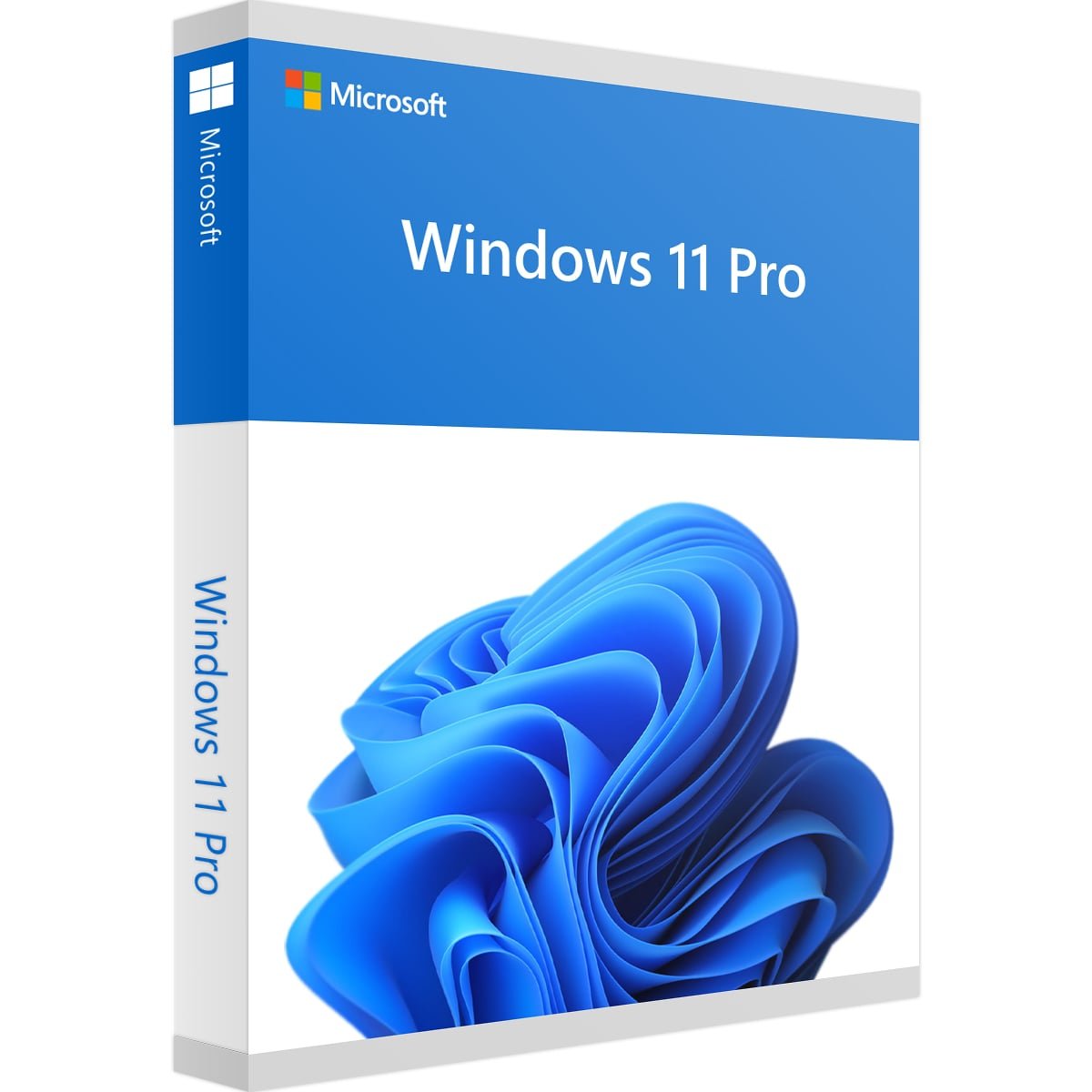
Microsoft Windows 11 Professional Digital License
Microsoft Windows 11 Professional Digital License is a digital Windows licensing product for users looking to activate a compatible Windows 11 Professional installation through an online activation process.
Before purchasing, check your current Windows edition and make sure your device meets Microsoft’s Windows 11 requirements. This helps ensure that the license and installed Windows edition are compatible with your setup.
The product is identified as an ESD digital product, meaning the product and relevant information are delivered electronically rather than through physical media.
Microsoft Windows 11 Professional Digital License Overview
The Microsoft Windows 11 Professional Digital License is designed for Windows 11 Professional activation according to the applicable licensing and activation conditions.
Windows activation connects the Windows installation with valid licensing information. Depending on how Windows was obtained, Microsoft supports activation through either a digital license or a 25-character product key.
If you are already using Windows 11, you can check your current activation status by opening:
Settings → System → Activation
This page displays the activation status of your Windows installation and provides relevant activation information.
Key Features of Microsoft Windows 11 Professional Digital License
This digital product provides a convenient way to obtain Windows licensing information electronically.
Key product characteristics include:
- Windows 11 Professional digital licensing
- Digital ESD product format
- Online activation process
- Electronic product delivery
- Suitable for compatible Windows 11 Professional installations
- No physical installation disc required
- Access to Microsoft’s standard Windows activation system
Always review the specific product information and applicable licensing conditions before completing your purchase.
Microsoft Windows 11 Professional Digital License Activation
The activation process depends on the Windows edition installed on your computer and the licensing information associated with your purchase.
After receiving your digital product information, follow the supplied activation instructions carefully.
You can then verify the activation status through:
Settings → System → Activation
Microsoft provides detailed information about Windows activation, including digital licenses and product keys, through its official Windows Activation Guide.
If Windows is already installed, checking the edition before activation is important. A license intended for Windows 11 Professional should correspond to the appropriate Windows edition.
How to Check Your Windows Edition
Before using a Microsoft Windows 11 Professional Digital License, check which Windows edition is currently installed.
You can find this information in Windows Settings.
Go to:
Settings → System → About
Look for the Windows specifications section. Your Windows edition will be displayed there.
You can also open:
Settings → System → Activation
The Activation page provides additional information about the installed edition and activation status.
Checking this information before purchasing can help you avoid edition compatibility problems.
Windows 11 Professional System Requirements
Before installing or activating Windows 11, make sure your computer meets Microsoft’s current requirements.
Microsoft’s Windows 11 minimum requirements include:
- A compatible 1 GHz or faster processor with at least two cores
- At least 4 GB of RAM
- At least 64 GB of available storage
- Compatible DirectX 12 graphics
- A display larger than 9 inches with HD resolution
- UEFI firmware with Secure Boot capability
- TPM 2.0
- Internet connectivity for applicable setup and feature requirements
- A Microsoft account for certain Windows 11 setup scenarios
Requirements can vary depending on the Windows features being used.
For the latest requirements, always consult Microsoft’s official Windows 11 system requirements.
How to Activate Windows 11 Professional
If Windows 11 Professional is installed on your computer, activation can be checked through Windows Settings.
Follow these general steps:
Step 1: Open Windows Settings
Click Start → Settings.
Step 2: Open Activation
Select:
System → Activation
Step 3: Check the Windows Edition
Confirm that the installed edition corresponds to Windows 11 Professional.
Step 4: Follow Your Product Instructions
Use the activation information supplied with your purchase and follow the applicable instructions.
Step 5: Confirm Activation
Return to the Activation page and check the displayed activation status.
If you encounter an activation problem, verify the Windows edition and licensing information first. Microsoft also provides an official Windows Activation Troubleshooter for supported activation issues.
Digital ESD Product Information
This product is identified as an ESD digital product.
ESD refers to electronic software delivery. Instead of receiving physical media such as a DVD or boxed product, the relevant product information is provided electronically.
This makes digital delivery suitable for customers who prefer an electronic purchasing process without physical shipping.
The exact delivery procedure and information supplied with the order depend on the product’s applicable purchasing and delivery terms.
Always keep your order confirmation and product information in a secure location.
Microsoft Windows 11 Professional Digital License Compatibility
Compatibility should be checked before purchasing.
The most important step is to verify the Windows edition currently installed on your computer.
If you are using Windows 11 Home, for example, do not assume that every Windows 11 license will automatically apply to that installation. The license edition must correspond to the applicable Windows edition and Microsoft’s activation requirements.
You should also make sure your computer satisfies Windows 11’s hardware requirements.
For additional information about Windows product keys and digital licenses, see Microsoft’s official Windows Product Key information.
What to Check Before Buying
Before purchasing a Microsoft Windows 11 Professional Digital License, we recommend checking the following:
- Confirm your current Windows edition.
- Check whether your device meets Windows 11 requirements.
- Make sure Windows 11 Professional is the intended edition.
- Review the product information carefully.
- Read the applicable licensing and delivery terms.
- Keep your purchase confirmation after ordering.
- Follow the supplied activation instructions.
- Check Windows activation after completing the process.
Taking these steps can help prevent common edition and activation problems.
Why Choose a Digital Windows License?
A digital licensing product can simplify the purchasing process because there is no requirement for physical media delivery.
Instead of waiting for a physical package, customers receive the relevant product information electronically according to the applicable delivery process.
For customers who already have a compatible Windows installation, digital delivery can also make it easier to access the information required for activation.
However, customers should always verify compatibility and licensing conditions before purchase.
Explore More Windows Products
If you are comparing different Windows licensing options, visit the Nexlic Windows Products category to explore other available Windows products.
You can also compare this product with the Microsoft Windows 10 Enterprise Digital License or explore the Windows 11 Enterprise Digital License if you are looking for another Windows 11 edition.
For other Microsoft software, you can visit the Microsoft Office Products category.
You can also return to the Nexlic homepage to explore the complete range of available digital software products.
Frequently Asked Questions
What is a Microsoft Windows 11 Professional Digital License?
A Microsoft Windows 11 Professional Digital License is a digital licensing option associated with Windows 11 Professional. Activation depends on the applicable licensing information and the Windows edition installed on the computer.
How do I check if Windows 11 is activated?
Open Settings → System → Activation. Windows displays the current activation status and relevant licensing information on this page.
Does Windows 11 use a digital license or product key?
Microsoft supports both activation methods. Depending on how Windows was obtained, activation can use a digital license or a 25-character product key.
Can I use a Windows 11 Professional license with Windows 11 Home?
You should verify the Windows edition before purchasing. The applicable license must correspond to the Windows edition being activated.
What are the minimum Windows 11 requirements?
Microsoft’s minimum requirements include a compatible processor, 4 GB RAM, 64 GB storage, compatible DirectX 12 graphics, UEFI/Secure Boot capability, TPM 2.0, and other requirements depending on the setup and features being used.
Is this a physical Windows product?
No physical media is required for this product. It is identified as an ESD digital product, meaning the relevant product information is delivered electronically.
Where can I check my Windows product key?
Microsoft provides official information about Windows product keys and digital licenses through its Windows Product Key documentation.
What should I do if Windows activation fails?
First check that your Windows edition matches the applicable license and that the activation information has been entered or applied correctly. You can also use Microsoft’s Windows Activation Troubleshooter for supported activation issues.
Important Information
Windows activation and licensing are controlled by Microsoft’s Windows licensing and activation systems.
Before purchasing, customers should verify their Windows edition, hardware compatibility, and the applicable product terms.
Microsoft’s official documentation should be used for the latest technical requirements and activation procedures.
Conclusion
The Microsoft Windows 11 Professional Digital License provides a digital licensing option for customers who need Windows 11 Professional activation through an electronic product delivery process.
Before purchasing, verify your Windows edition and make sure your device meets Microsoft’s current Windows 11 requirements. After receiving your digital product information, follow the applicable activation instructions and confirm your activation status through Settings → System → Activation.
For technical information about Windows activation, product keys, digital licenses, and system requirements, Microsoft’s official documentation provides the most current guidance.


Reviews
There are no reviews yet.