

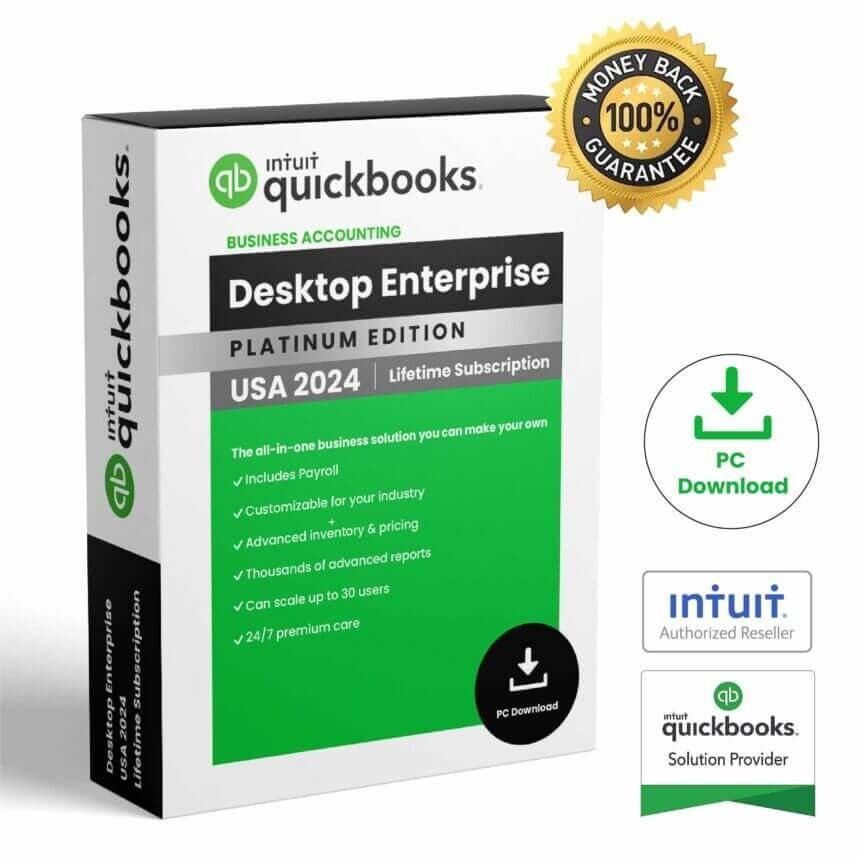
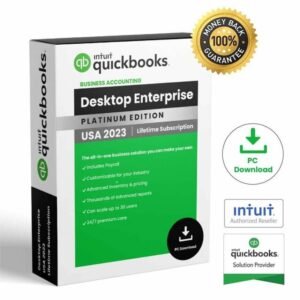
QuickBooks Enterprise 2024 is desktop accounting software designed for businesses that need accounting, financial reporting, inventory, order management, and other business-management tools in a Windows environment. The product identified for this page is the 2024 edition of QuickBooks Enterprise accounting software.
Before purchasing or installing QuickBooks Enterprise 2024, it is important to verify the exact product configuration, licensing terms, supported Windows environment, and any services or features associated with the specific product you are purchasing. This page provides a practical overview based on official Intuit information.
QuickBooks Enterprise 2024 Overview
QuickBooks Enterprise 2024 is part of the QuickBooks Desktop Enterprise product family from Intuit. It is designed for businesses that require more than basic bookkeeping and need tools for managing accounting information and broader business operations.
Intuit describes QuickBooks Desktop Enterprise as a business management solution with accounting, reporting, inventory and order management, integrations, and other capabilities. Feature availability can depend on the particular Enterprise edition, subscription, configuration, and services used.
For official product information, visit the official QuickBooks Desktop Enterprise page.
QuickBooks Enterprise 2024 Accounting Features
QuickBooks Enterprise 2024 provides a desktop environment for managing business accounting information. Depending on the configuration, businesses can use QuickBooks to organize financial data, work with transactions, prepare reports, and manage other accounting activities.
Desktop accounting can be particularly useful for businesses that want their accounting data and day-to-day financial workflows managed through software installed on a supported Windows computer.
Financial Management
QuickBooks Enterprise is designed to bring accounting information together in one business-management environment. Financial data can be used to help businesses monitor transactions, organize records, and prepare business reports.
Business Reports
Reporting is an important part of QuickBooks Enterprise. Intuit states that Enterprise provides extensive reporting capabilities, with the exact reports and functionality depending on the product configuration.
Accounting Workflows
Businesses can use QuickBooks Enterprise for common accounting workflows and financial administration. The available functionality should always be checked against the specific Enterprise edition and services included with the product.
QuickBooks Enterprise 2024 for Business
QuickBooks Enterprise 2024 is intended for business environments where accounting software needs to support more than a simple personal bookkeeping workflow.
Intuit positions QuickBooks Desktop Enterprise as a customizable business solution that can support accounting, reporting, inventory, order management, integrations, and other operational requirements.
For businesses evaluating QuickBooks Enterprise, it is useful to identify which functions are actually required before purchasing. For example, a business may primarily need accounting and reporting, while another may also need inventory or multi-user functionality.
Inventory and Order Management
Inventory and order management are among the capabilities associated with QuickBooks Desktop Enterprise. Intuit lists inventory and order management as part of its Enterprise business solution.
This can make the software relevant to businesses that need to connect financial information with operational activities. However, specific inventory functionality can vary according to the Enterprise edition and configuration.
Before purchasing, verify the exact inventory features required for your business rather than assuming that every Enterprise feature is included in every configuration.
Reports and Business Information
QuickBooks Enterprise 2024 can be used for business reporting and financial information management. Reports can help users organize information and review business activity within the QuickBooks environment.
Intuit’s current Enterprise information highlights reporting, accounting, inventory and order management, integrations, and business-management functionality. The precise features available depend on the product and services selected.
QuickBooks Enterprise 2024 Installation
Before installing QuickBooks Enterprise 2024, make sure your computer meets the applicable system requirements and that you have the correct installation information for your product.
Step 1: Check the Computer
Confirm that the computer uses a supported 64-bit Windows environment and meets the processor, memory, storage, and display requirements.
Step 2: Prepare Windows
Install current supported Windows updates and make sure there is sufficient storage for the QuickBooks software and your company data.
Step 3: Install QuickBooks
Use the appropriate installation files or official installation instructions associated with your product. Follow the instructions displayed by the installer.
Step 4: Register and Configure the Product
QuickBooks Desktop Enterprise requires product registration according to Intuit’s technical specifications. Follow the applicable instructions supplied for your product and configuration.
Step 5: Set Up Your Business Data
After installation, configure QuickBooks according to your business requirements. If you are migrating from another accounting system, review the applicable Intuit documentation before transferring important financial data.
QuickBooks Enterprise 2024 System Requirements
QuickBooks Enterprise 2024 requires a compatible Windows environment. Intuit’s official QuickBooks Desktop 2024 requirements state that QuickBooks Desktop 2024 requires a 64-bit Windows operating system and does not support 32-bit Windows.
For QuickBooks Desktop 2024, Intuit lists Windows 11 64-bit and supported Windows Server versions including Windows Server 2022, 2019, and 2016. Intuit also specifies a minimum 2.4 GHz processor and 8 GB RAM for a workstation, with 16 GB recommended.
The documented storage requirement is 2.5 GB for QuickBooks Desktop, with additional storage required for company data. Intuit recommends using an SSD for QuickBooks data files for better performance.
| Requirement | QuickBooks Desktop 2024 Information |
|---|---|
| Operating System | 64-bit Windows |
| Processor | 2.4 GHz minimum |
| Workstation RAM | 8 GB minimum; 16 GB recommended |
| Storage | 2.5 GB for QuickBooks Desktop, plus additional space for data |
| Display | Optimized for 1280 × 1024 or higher |
| Browser | Google Chrome required for applicable functions |
Always check the latest official QuickBooks Desktop 2024 system requirements before installation because supported environments and requirements can change.
QuickBooks Enterprise 2024 Updates and Connectivity
Some QuickBooks Desktop Enterprise functions and connected services require internet access. Intuit’s technical documentation states that Enterprise subscriptions, payroll, payments, and online banking features can require internet connectivity.
QuickBooks Desktop 2024 also requires internet access and Google Chrome for applicable online functions. Connected services can have separate requirements, availability conditions, or subscription terms.
For this reason, users should distinguish between the desktop software itself and online services that may be associated with a particular QuickBooks configuration.
QuickBooks Enterprise and QuickBooks Online
QuickBooks Enterprise 2024 is part of the QuickBooks Desktop family, while QuickBooks Online is a cloud-based accounting service. The two products are designed around different workflows and technical environments.
| QuickBooks Desktop Enterprise | QuickBooks Online |
|---|---|
| Desktop accounting environment | Cloud-based accounting environment |
| Designed for supported Windows systems | Accessed through supported online environments |
| Enterprise-focused business functionality | Online service with its own plans and features |
| Some connected services require internet access | Internet connectivity is central to the service |
The appropriate choice depends on your business workflow, technical requirements, required features, and the specific QuickBooks plan or product configuration.
Things to Check Before Purchasing
Before purchasing QuickBooks Enterprise 2024, review the following points:
- Confirm that the product is the correct QuickBooks Enterprise edition for your needs.
- Check the supported Windows operating system.
- Verify the processor, RAM, storage, and display requirements.
- Check whether your required features need internet connectivity.
- Review which services or integrations are included with the specific product.
- Confirm the licensing and registration terms supplied with your purchase.
- Use official Intuit documentation for installation and technical requirements.
You can also explore the software products available from Nexlic and use the Nexlic FAQ for general purchasing questions.
Frequently Asked Questions
What is QuickBooks Enterprise 2024?
QuickBooks Enterprise 2024 is a desktop business accounting product from Intuit. It is designed to provide accounting and business-management functionality on supported Windows systems.
Is QuickBooks Enterprise 2024 suitable for businesses?
QuickBooks Desktop Enterprise is specifically positioned by Intuit as a business management and accounting solution. The appropriate edition depends on the accounting, reporting, inventory, user, and integration requirements of the business.
What operating system does QuickBooks Enterprise 2024 require?
Intuit’s QuickBooks Desktop 2024 requirements specify a 64-bit Windows operating system. Supported Windows versions and server environments should be checked against the current official requirements before installation.
How much RAM does QuickBooks Enterprise 2024 need?
Intuit lists 8 GB of RAM as the minimum for a workstation running QuickBooks Desktop 2024 and recommends 16 GB. Server requirements vary depending on the number of users.
Does QuickBooks Enterprise 2024 require internet access?
Some QuickBooks Desktop functions and connected services require internet access. Intuit specifically lists internet requirements for online features and services such as payroll, payments, and online banking.
Can QuickBooks Enterprise 2024 work with Microsoft Office?
Intuit documents integrations with Microsoft Office applications for certain QuickBooks Desktop Enterprise functions. Compatibility depends on the Office version and the specific QuickBooks functionality being used.
Where can I find official QuickBooks Enterprise information?
The official Intuit QuickBooks website provides product information, technical specifications, system requirements, and support documentation for QuickBooks Desktop Enterprise.
Conclusion
QuickBooks Enterprise 2024 is a desktop accounting and business-management solution intended for businesses that need accounting, reporting, inventory, order management, and related functionality in a supported Windows environment.
Before purchasing or installing the software, verify the exact product configuration, licensing terms, supported Windows version, hardware requirements, and availability of any connected services you need. Using official Intuit documentation as your technical reference can help ensure that your computer and business workflow are prepared for the software.
If you are looking for additional software products, you can browse the Nexlic homepage or contact Nexlic through the Nexlic contact page for product-related questions.


Reviews
There are no reviews yet.