

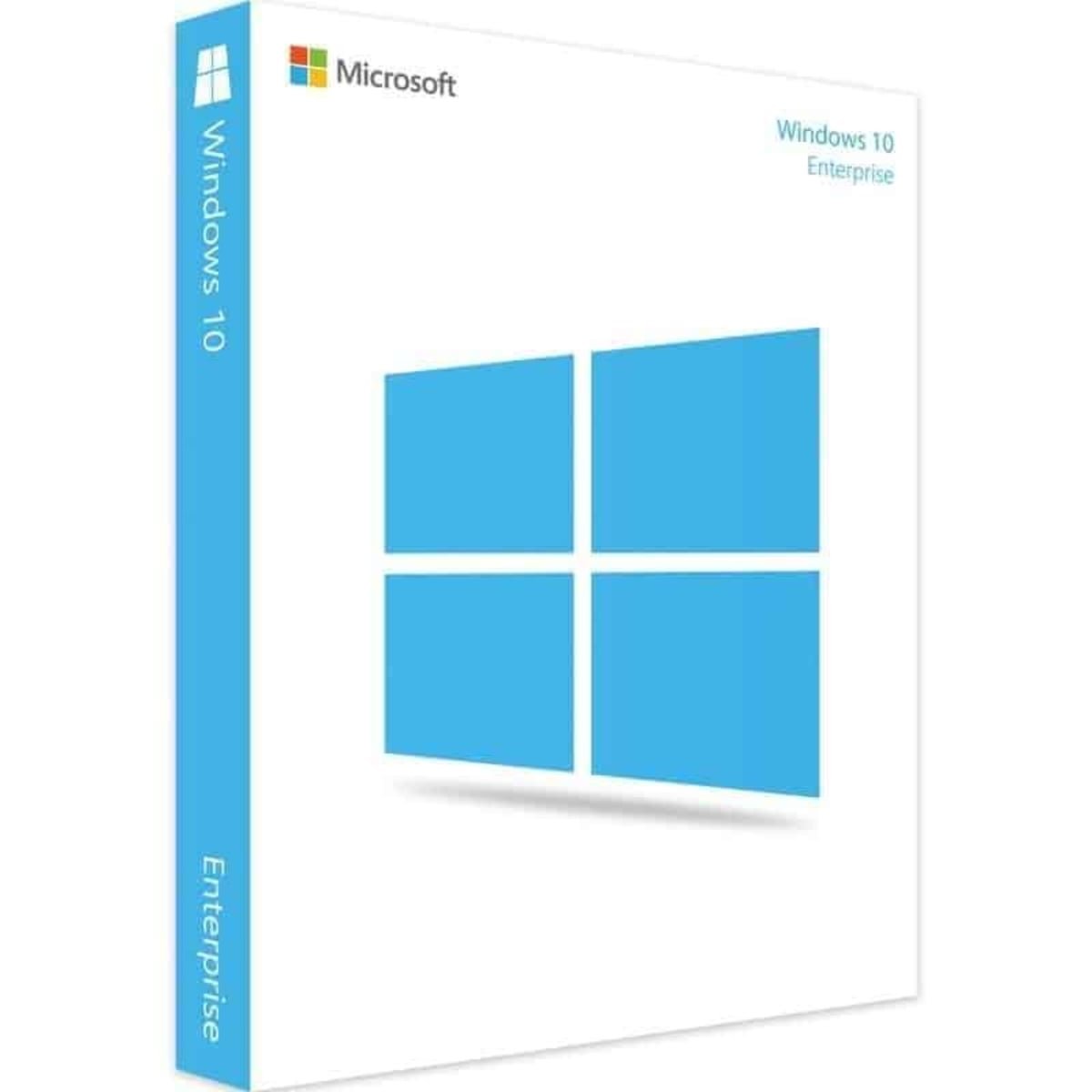
Microsoft Windows 10 Enterprise Digital License – Easy Online Activation
Microsoft Windows 10 Enterprise Digital License provides a convenient digital licensing option for compatible Windows 10 Enterprise installations. This digital product is designed for users who need license information electronically and want to complete the Windows activation process online without physical media.
Before purchasing, make sure that your computer and installed Windows edition are compatible with the license. We recommend reviewing the product information, activation method, and applicable licensing terms before completing your order.
Microsoft Windows 10 Enterprise Digital License Features
The Microsoft Windows 10 Enterprise Digital License is intended for compatible Windows 10 Enterprise installations. Digital delivery provides a convenient way to receive your license information electronically and follow the appropriate activation instructions.
Key features may include:
- Digital license delivery
- Online activation
- No physical media required
- Electronic delivery
- Convenient access to license information
- Compatibility with supported Windows 10 Enterprise installations
- Customer support according to the applicable terms
Digital delivery can make the purchasing process more convenient because there is no physical product or shipping requirement. After your order is processed, the relevant license information is delivered electronically according to the seller’s delivery procedure.
Windows 10 Enterprise Online Activation
With a Microsoft Windows 10 Enterprise Digital License, activation is completed through the Windows activation system on a compatible computer.
Before starting the activation process, verify that the Windows edition installed on your computer matches the license. Using a license intended for another edition may result in activation problems.
To check your activation status in Windows 10, open Settings, select Update & Security, and then select Activation.
For official information about Windows activation, visit the Microsoft Windows activation support page.
Windows 10 Enterprise Compatibility
Before purchasing a Microsoft Windows 10 Enterprise Digital License, check which Windows edition is currently installed on your computer.
The license should correspond to the appropriate Windows edition and applicable licensing conditions. If your computer is running Windows 10 Home, Windows 10 Pro, or another edition, verify compatibility before purchasing.
Checking compatibility in advance can help reduce activation problems and ensure that you select a product appropriate for your installation.
Why Choose a Digital Windows License?
A digital Windows license can be a convenient alternative to a physical software product. Since the license information is delivered electronically, you do not need to wait for physical shipping or receive a DVD or USB installation device.
Digital delivery can also make it easier to access your license information after purchase. We recommend keeping your order confirmation and license information in a secure location.
The exact delivery time, activation procedure, support options, and licensing conditions depend on the specific product and seller terms. Always review the product information carefully before placing your order.
How to Activate Windows 10 Enterprise
After receiving your license information, follow the activation instructions provided with your purchase.
First, check the Windows edition installed on your computer. Then open the Windows activation settings and follow the appropriate activation procedure.
If you experience an activation problem, check the following:
- Make sure your Windows edition matches the license.
- Verify that the license information has been entered correctly.
- Check your internet connection.
- Make sure Windows is up to date.
- Review the activation instructions.
- Contact customer support if you need assistance with your order.
What You Receive
This is a digital product, so no physical DVD, USB drive, or product box is required.
The exact information supplied after purchase depends on the product’s delivery process and licensing terms. Please review the product information for details about delivery, activation, support, and applicable restrictions.
After receiving your order, keep your purchase confirmation and license information secure for future reference.
Important Information Before Purchase
Before purchasing a Microsoft Windows 10 Enterprise Digital License, we recommend checking the following:
- Verify that your computer supports the required Windows edition.
- Check the Windows edition currently installed on your device.
- Confirm that the license corresponds to the appropriate edition.
- Review the product description and licensing terms.
- Check the activation instructions.
- Keep your order information after purchase.
- Contact support if you require assistance.
These checks can help you understand the product and determine whether it is appropriate for your Windows installation.
Related Windows Products
If you are looking for another Windows license, you can also explore our other Windows products.
Visit our Microsoft Windows 11 Enterprise Digital License to explore another Enterprise edition.
You can also visit our Microsoft Windows 11 Pro License if you are looking for a Windows 11 Pro licensing option.
For additional information about activation, visit our Windows Activation Guide for useful information and instructions.
These internal resources can help you explore different Windows editions and find information relevant to your installation.
Windows 10 Enterprise Digital License Support
If you need assistance with your order, keep your purchase information available when contacting customer support. Your order details can help the support team identify your purchase and provide appropriate assistance.
For technical information about Windows activation, Microsoft provides official documentation and troubleshooting resources. For questions specifically related to your purchase, delivery, or license terms, refer to the seller’s support information.
Frequently Asked Questions
What is a Microsoft Windows 10 Enterprise Digital License?
A Microsoft Windows 10 Enterprise Digital License is a digital licensing option associated with a compatible Windows 10 Enterprise installation. The exact rights, activation method, and applicable conditions depend on the specific license terms.
How do I activate Windows 10 Enterprise?
Activation is completed through the Windows activation settings using the appropriate license information. Make sure that your installed Windows edition corresponds to the license before attempting activation.
Do I need physical media?
No physical media is required for a digital license. License information can be delivered electronically according to the seller’s delivery process.
Can I use this license with any Windows 10 edition?
Compatibility depends on the license type and Windows edition. Always verify that the license is intended for the edition installed on your computer before purchasing.
Where can I check Windows activation?
In Windows 10, open Settings, select Update & Security, and then select Activation to view your activation information.
What should I do if activation does not work?
First, verify the Windows edition, license information, internet connection, and activation instructions. If the issue continues, contact the seller’s support team or consult official Microsoft support resources.
Final Thoughts
The Microsoft Windows 10 Enterprise Digital License offers a convenient digital option for compatible Windows 10 Enterprise installations. With electronic delivery and an online activation process, it can provide a practical way to manage Windows licensing without physical media.
Before purchasing, always verify your Windows edition, device compatibility, activation requirements, and applicable licensing terms. Keep your order information and license details secure for future reference.
For official technical information about Windows activation, consult the Microsoft support documentation.


Reviews
There are no reviews yet.